
One place to think and work
Conversations, research and drafting live in the same workspace, so you stop rebuilding context in a new tab every time.
AI command center
Most assistants forget everything between chats. Chat Pilot is a workspace: specialist agents, project folders and your own documents sitting in one calm flight deck.
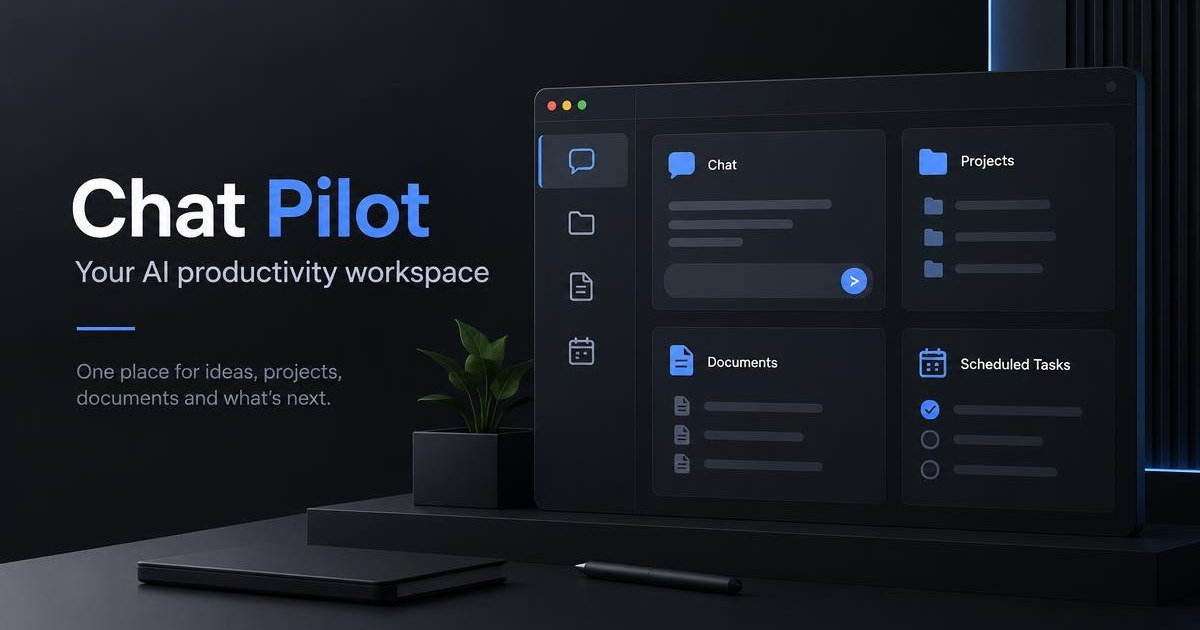
Conversations, research and drafting live in the same workspace, so you stop rebuilding context in a new tab every time.
Group chats and files under a project. Every answer arrives already aware of what that project is about.
Upload notes and files; agents search your own library and cite the passages they used.
Choose whether an agent only talks, proposes read-only steps, or is allowed to act on your workspace.
CREATOR WORKSPACE
Turn briefs, reports, proposals, catalogues and meeting notes into polished, editable deliverables — organised in one private workspace.
Keep a client or campaign's files, chats, brand details and finished work together.
Turn a source document into business, creator and marketing work you can use.
Your saved voice, colours, audience and words to use or avoid shape every draft.
Every result opens as an editable draft. Nothing is treated as final without you.
Project files, brand kits and drafts stay private to your account. Drafts use your document as the source and mark missing facts instead of inventing them.
Each agent in the workspace has its own focus, so you pick the right one instead of re-explaining the job.
General command & reasoning
Research, comparison, synthesis
Software engineering & debugging
Document intelligence & extraction
Business operations & planning
AUTOPILOT TASKS
Save a research or briefing task and run it on demand, hourly, daily or weekly. Each run can pull fresh web sources, writes a structured report with confidence notes, and can email you when it is ready.
You choose the level per conversation. Higher levels unlock more tools — never more than you allow.
Pure conversation. No tools are made available to the model.
Read-only tools: search your documents and inspect projects.
Read-only tools plus writes: create projects and save notes to your workspace.
READY WHEN YOU ARE
Start on the Free plan, create your first project and invite the specialist agents in. Upgrade only when you need more.